 GameToGo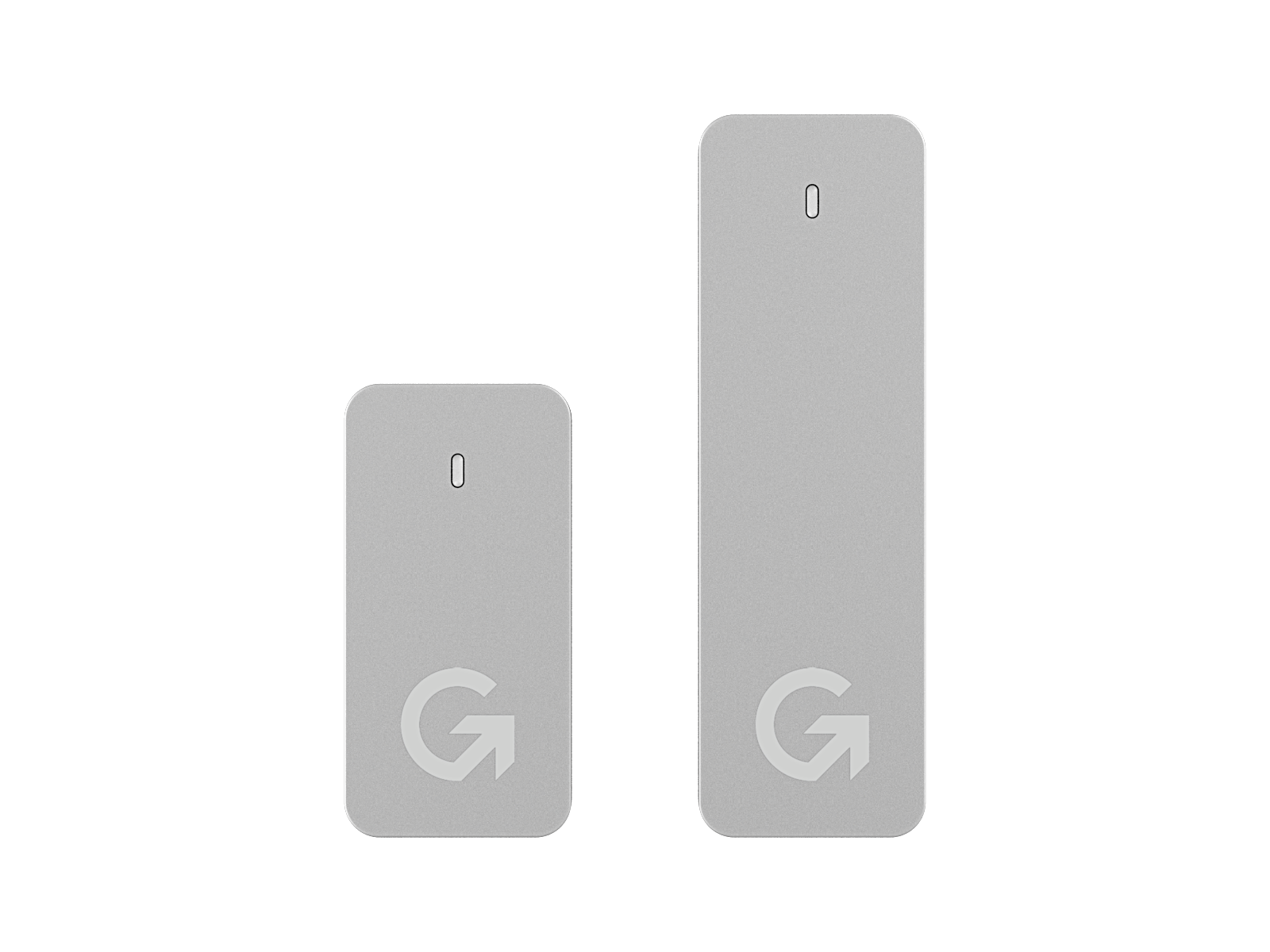
GameToGo 2
A portable system drive with Windows 10 installed. Plug it into an Intel Mac, choose it at startup, and you have a complete Windows PC. It doesn't use your Mac's storage, and unplugging takes you back to macOS.
GameToGo 2 512GB
Prices in US dollar · In stock
- Windows 10 22H2 preinstalled, plug and play
- Works with every Intel Mac from 2013 to 2020
- PCIe NVMe storage, 10 times faster than a hard drive
- 3D TLC memory, 3 times more durable than budget SSDs
- Runs Windows 10 software, games and Office
- Built-in restore system, back to factory settings in one click
Turn your Mac into a Windows PC
Choose GameToGo at startup and you get native Windows at full speed.
NVMe across the range
10 times faster than a hard drive and 2 times faster than a SATA SSD.
Lots of space
Up to 2TB of solid-state storage
USB 3.2 Gen 2
Custom cable with an E-Marker chip
Office, design and development
Keep using Office, Adobe apps and developer tools
Games and gear
Gaming keyboards, mice, controllers and drawing tablets all work
One-click restore in 5 minutes
If Windows gets a virus or a broken setting, return to factory settings anytime.
6000-series aluminum
Deep anodized, with a 30-step sandblasting and polishing process for better cooling.
One Mac, two systems
GameToGo 2 comes with native Windows 10 installed. There's nothing to set up, and it doesn't use your Mac's storage. Choose to start up from GameToGo and you have a complete Windows PC. The user manual has step-by-step instructions.
- Office work: Word, Excel, PowerPoint and company systems that only run on Windows.
- Streaming and gaming: LoL, mobile emulators and capture cards all work.
- Finance: stock trading apps and bank security tools.
Space for everything
The built-in storage doesn't touch your Mac's drive. Use it as a shared drive between macOS and Windows, a flash drive for phones and tablets, or a Time Machine backup disk.
In the press
Chinese-language coverage from Taiwan
Specs
Works with Intel Macs from 2013 to 2020 on macOS 10.11 or later, through USB-A, USB-C or Thunderbolt 3.
- Capacity
- 512GB (short) / 1TB, 2TB (Max, long)
- Size
- 62 × 32 × 10.5 mm (short) / 100.5 × 32 × 10.5 mm (long)
- Weight
- 40 g (short) / 66.5 g (long)
- Device port
- USB-C 3.2 Gen 2
- Computer ports
- USB-A, USB-C, Thunderbolt 3
- Color and material
- Silver gray / anodized aluminum
- Memory
- 3D TLC NAND
- Protocol
- PCIe NVMe
- Read/write speed
- 1000 / 1000 MB/s (theoretical)
- System partition
- About 25 GB
In the box
- GameToGo 2 or GameToGo 2 Max
- USB-C to USB-C cable (10 Gbps)
- USB-C to USB-A cable (5 Gbps)
- User manual
- Warranty card
Good to know
- 2-year warranty. See the warranty and returns policy for coverage.
- Works only with Intel Macs (2013 to 2020 models). For Apple silicon Macs, choose AppToGo 11.
- The system and data partitions are split 2:1 by default.
- PCIe storage can reach 70°C while running. This is normal.
- To connect Lightning devices, you need Apple's Lightning to USB 3 Camera Adapter, sold separately.
- Windows comes installed in Traditional Chinese. You can add other display languages in Windows Settings.
About GameToGo 2
How do I know if my Mac has an Intel chip?
Choose About This Mac from the Apple menu. If it says Intel under Processor, it's an Intel Mac. The Support page has the full list of supported models.
Which version of Windows is installed?
Windows 10 Home 22H2 in Traditional Chinese. You can switch to Pro, Enterprise or Education.
Can I use it on another Mac?
Yes. If the new Mac has a different setup, rebuild the environment with the built-in recovery tool.